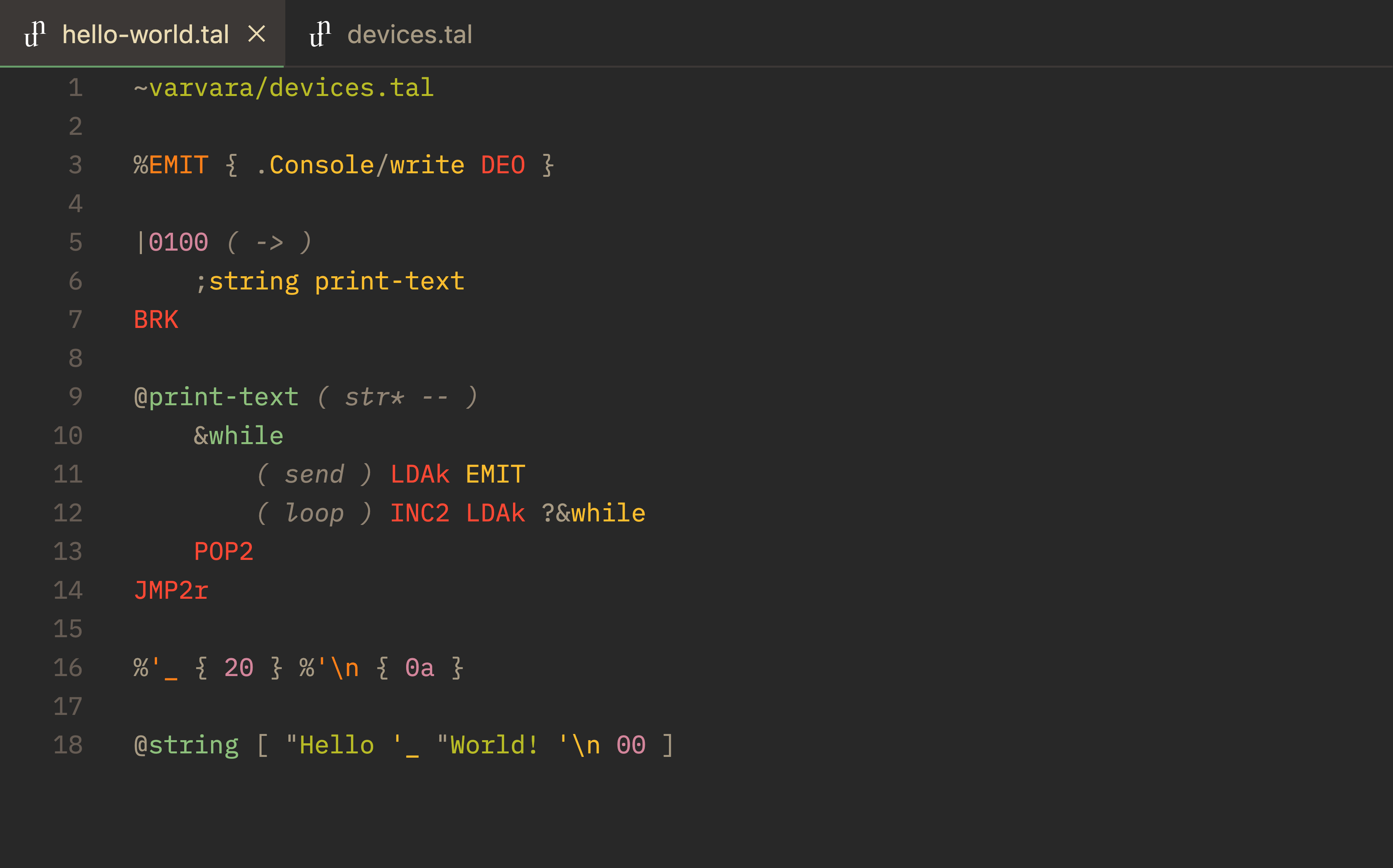
Theme: Gruvbox Dark Medium. Font: IBM Plex Mono.
Uxntal support for Visual Studio Code.
1. Installing
Alternatively, download a VSIX from the releases directory, or package it yourself with vsce. Install it with the "Extensions: Install from VSIX" command within VS Code, or from the command line via:
code --install-extension uxntal-1.0.0.vsix
2. Testing
Run the whole test suite with:
vscode-tmgrammar-snap tests/*.tal
or provide the path to an individual test case.
3. Users
4. Source
5. License
This software is licensed under the MIT license.