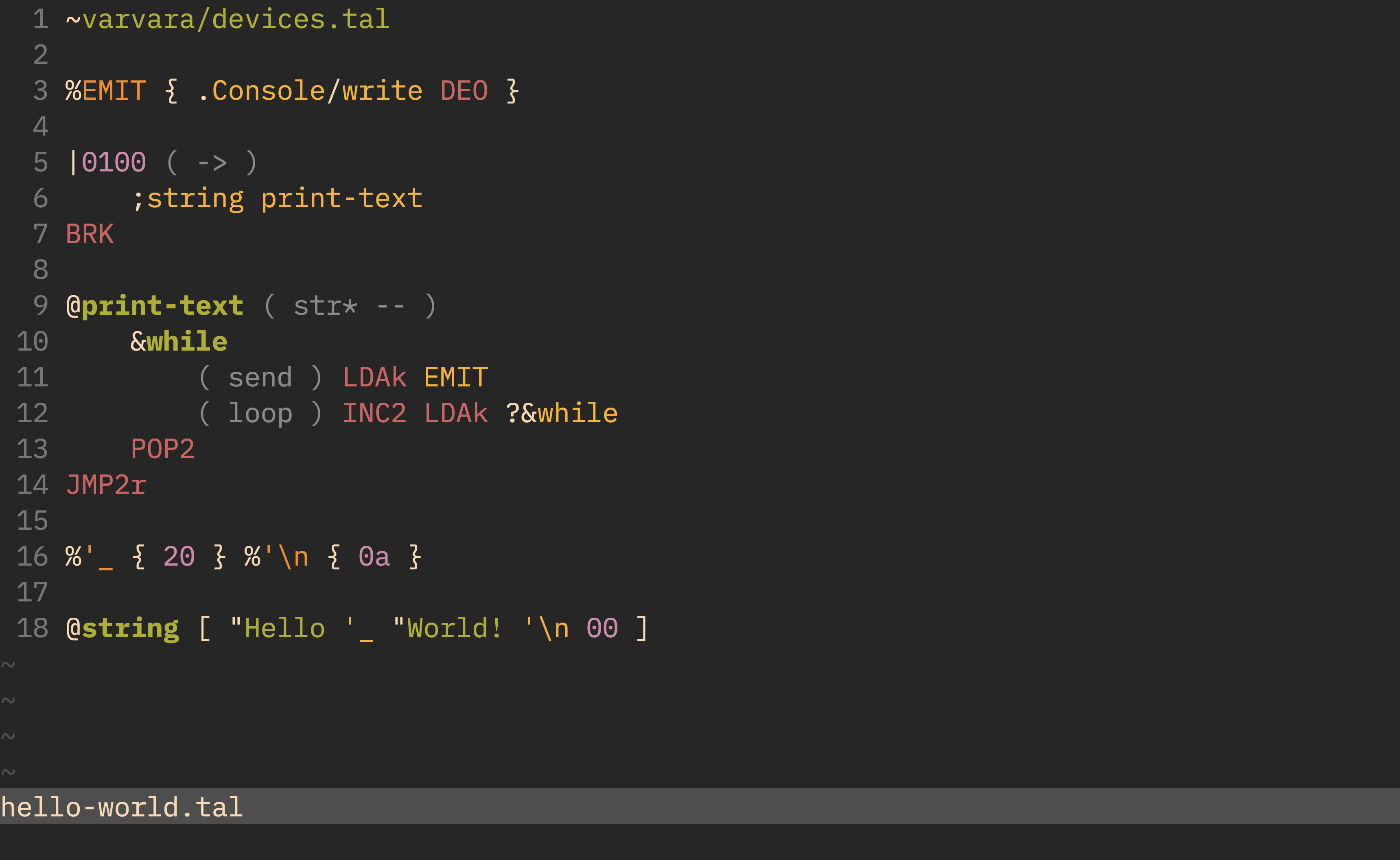
Theme: Gruvbox Dark. Font: IBM Plex Mono.
Uxntal file detection and syntax highlighting for Vim.
1. Installing
Use your package manager of choice. If you don't know where to start, you can install this plugin with Vim's built-in package manager by cloning this repository to somewhere in ~/.vim/:
git clone git://167.235.19.20/uxntal.vim/ ~/.vim/pack/plugins/start/uxntal.vim
Make sure that the following options are set in your ~/.vimrc so that all features are enabled:
syntax on
filetype plugin indent on
2. Testing
Run the whole test suite with
scripts/test.sh tests/*.tal
or provide the path to an individual test case.
To bless a test case, pass in a --bless flag:
scripts/test.sh tests/hello-world.tal --bless
Under the hood, the custom test.sh script uses Vim to export test cases as HTML files with a bunch of <span> tags, which are then transformed to a format inspired by vscode-tmgrammar-test and Sublime Text syntax tests. These files are then compared to .snap files in the tests directory.
3. Source
4. License
This software is licensed under the MIT license.